
We researched the top contenders for the best Notion alternatives in 2026 and found superior options for project management (ClickUp), privacy (Anytype), and connected thinking (Obsidian).
Table of Contents
How We Evaluated: Our Methodology for Comparing Tools
To find the best Notion alternatives, we evaluated each tool across five key areas:
- Core Workspace Functionality: Note-taking, database capabilities, and block/object flexibility.
- Project & Task Management: Strength of native features like assignments, due dates, views (Gantt, Kanban), and dependencies.
- User Experience & Onboarding: Learning curve, interface clarity, and speed.
- Pricing & Value: Generosity of free tier and clarity of paid plans.
- Unique Differentiator: The special feature or philosophy that sets it apart from Notion.
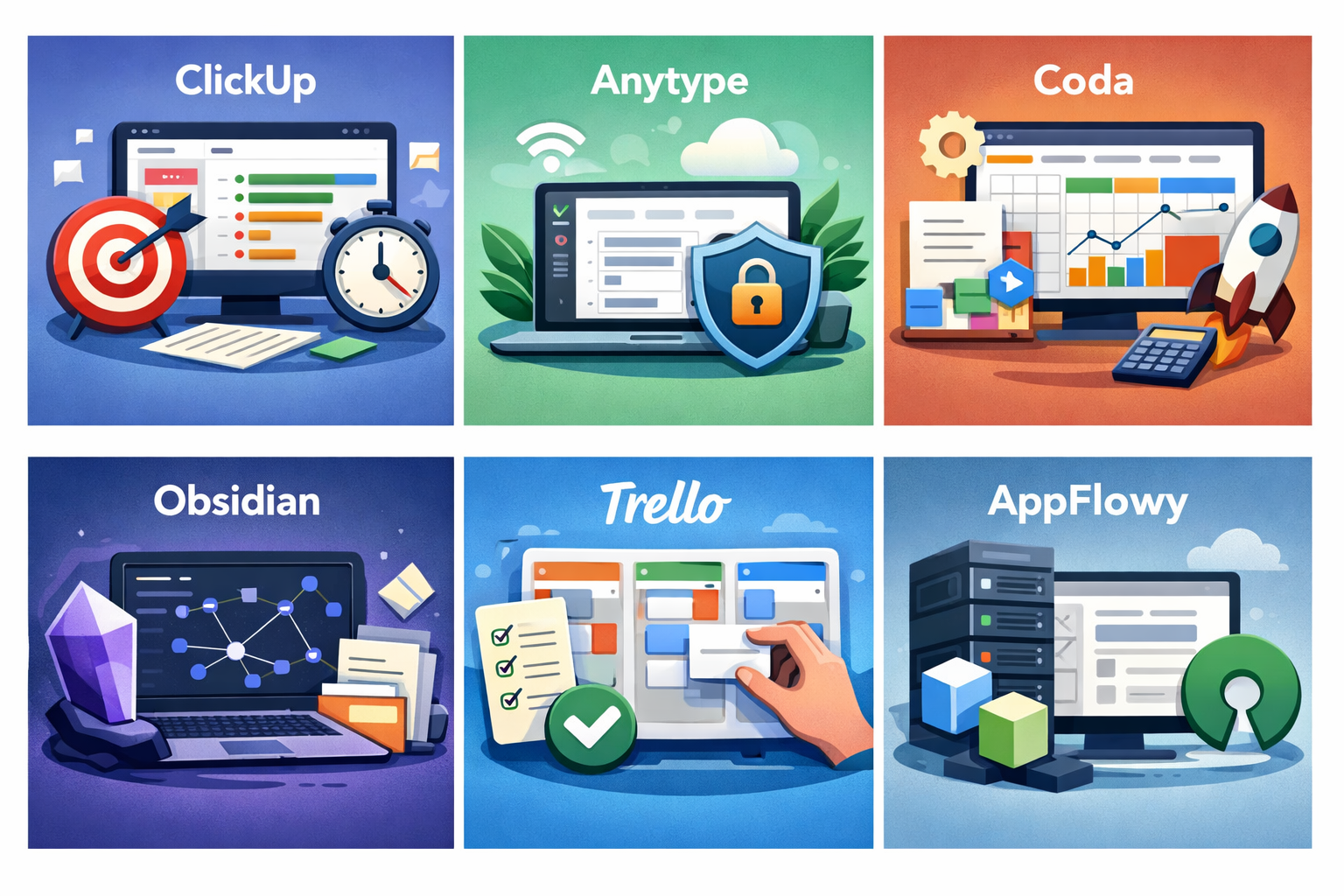
Our Top Picks: At a Glance
- Best for All-in-One Project Management: ClickUp
- Best for Privacy-First, Offline Use: Anytype
- Best for Database Power Users: Coda
- Best for Linked Thinking & Notes: Obsidian
- Best for Simple, Visual Task Boards: Trello
- Best Open-Source Alternative: AppFlowy
Deeper Dive: Our Top Picks
👉 BEST FOR ALL-IN-ONE PROJECT MANAGEMENT: CLICKUP
- Quick Take: ClickUp provides the structured, out-of-the-box system that Notion lacks, making it ideal for teams that need to execute, not just plan.
- The Verdict: 4.5/5 Stars
- PROS: Unmatched hierarchy (Spaces > Folders > Lists), native time tracking & goals, 15+ views (Gantt, Calendar, Mind Map), powerful automations.
- CONS: Can feel overwhelming; performance varies on large workspaces.
- Bottom Line: Choose ClickUp if your primary goal is managing complex projects, teams, and clients. Its free plan is among the most generous for teams.
- For a detailed feature-by-feature comparison with Notion, see our full review here.
👉 BEST FOR PRIVACY-FIRST, OFFLINE USE: ANYTYPE
- Quick Take: Anytype offers a strikingly Notion-like experience but is local-first, open-source, and gives you complete data ownership.
- TheVerdict: 4/5 Stars
- PROS: End-to-end encryption, works fully offline, familiar block editor, object relations.
- CONS: Still in early development; some features are nascent; smaller community.
- Bottom Line: The clear choice if you love Notion’s flexibility but prioritize privacy and control above all. Its “pay-what-you-want” model is unique.
👉 BEST FOR DATABASE POWER USERS: CODA
- Quick Take: Coda takes the “all-in-one doc” concept and supercharges it with the computational power of a spreadsheet, making it ideal for teams that build custom apps and complex workflows.
- The Verdict: 4.5/5 Stars
- PROS: Powerful relational tables with formulas that rival Excel; true two-way sync with external tools (Slack, Google Calendar); unique “Packs” to build mini-apps; superior real-time collaboration feel.
- CONS: Can have a steeper learning curve than Notion for advanced features; the flexible “doc” model can become disorganized without governance.
- Bottom Line: Choose Coda if you outgrow Notion’s databases and need to create robust, interactive team tools—like a project tracker that auto-updates a budget or a customer portal—all within a document.
👉 BEST FOR LINKED THINKING & NOTES: OBSIDIAN
- Quick Take: Obsidian is for thinkers, writers, and researchers who prize ownership, privacy, and building a personal web of knowledge through connections, not just folders.
- The Verdict: 4/5 Stars
- PROS: Local Markdown files give you complete data control; unparalleled graph view to visualize note relationships; incredibly fast; vast community plugin ecosystem for endless customization.
- CONS: No native collaboration (requires paid sync and third-party tools); purely file-based, which can intimidate non-technical users; you must design your own structure.
- Bottom Line: Choose Obsidian if you are a solo creator, academic, or knowledge worker building a “second brain” and value future-proof, plain-text files over a polished, multi-user database.
👉 BEST FOR SIMPLE, VISUAL TASK BOARDS: TRELLO
- Quick Take: Trello champions clarity and simplicity with its signature Kanban boards. It’s the intuitive, no-fuss choice for managing workflows where visualizing progress is key.
- The Verdict: 3.5/5 Stars
- PROS: Unbeatable ease of use and instant onboarding; supremely visual and intuitive; powerful automation via Butler; extensive “Power-Ups” to connect other apps.
- CONS: Lacks native databases or interconnected notes; can become chaotic at scale without strict board hygiene; advanced features locked behind higher pricing tiers.
- Bottom Line: Choose Trello if your primary need is straightforward task and project tracking for yourself or a team, and you prefer a glorified, digital sticky note board over a complex documentation system.
👉 BEST OPEN-SOURCE ALTERNATIVE: APPFLOWY
- Quick Take: AppFlowy is a direct, privacy-focused challenger to Notion that you can host yourself. It’s ideal for those who love Notion’s interface but require open-source software and offline capability.
- The Verdict: 3.5/5 Stars (Great potential, still evolving)
- PROS: 100% open-source and self-hostable; strong offline-first design; a familiar, Notion-like user interface; active development community.
- CONS: Younger project with fewer features and integrations; smaller template library; self-hosting requires technical skill for full benefit.
- Bottom Line: Choose AppFlowy if data sovereignty and open-source philosophy are non-negotiable, you need robust offline access, and you’re comfortable with a tool that’s still maturing.
| ClickUp | All-in-One Project Management | Native time tracking, Gantt charts, & structured hierarchy | Yes, very robust | ~$7/user/mo |
| Anytype | Privacy-First, Offline Use | Local-first, end-to-end encryption, open-source | Yes | ~$4/user/mo |
| Coda | Database Power Users | Spreadsheet-level formulas & relational databases | Yes, generous | ~$10/user/mo |
| Obsidian | Linked Thinking & Notes | Local Markdown files & knowledge graph view | Yes | ~$4/mo (sync) |
| Trello | Simple, Visual Task Boards | Unmatched simplicity & Kanban workflow clarity | Yes | ~$5/user/mo |
| AppFlowy | Open-Source Alternative | Self-hostable, offline-first, Notion-like UI | Yes (Open Source) | ~$10/user/mo |
Final Verdict & Recommendation
While Notion excels as a flexible blank canvas for thought, our research shows that specialized tools often perform better for core use cases. For team execution and project management, ClickUp is the undisputed leader. For personal knowledge mastery with ultimate control, Obsidian is transformative. If data privacy is your paramount concern, Anytype and AppFlowy offer compelling paths. Ultimately, the best Notion alternative isn’t about finding a clone—it’s about identifying the tool that aligns with your non-negotiable needs: be it structure, sovereignty, simplicity, or power.
Related: Looking for more head-to-head comparisons? Check out our ultimate guide to ClickUp vs Notion.