Drop in a .xlsx or .xls file, download a PDF. No upload, no account, no watermark — every sheet becomes its own table.
Step by step
Drop your spreadsheet into the box. Both .xlsx and older .xls work.
Pick landscape or portrait. Landscape fits wider sheets better.
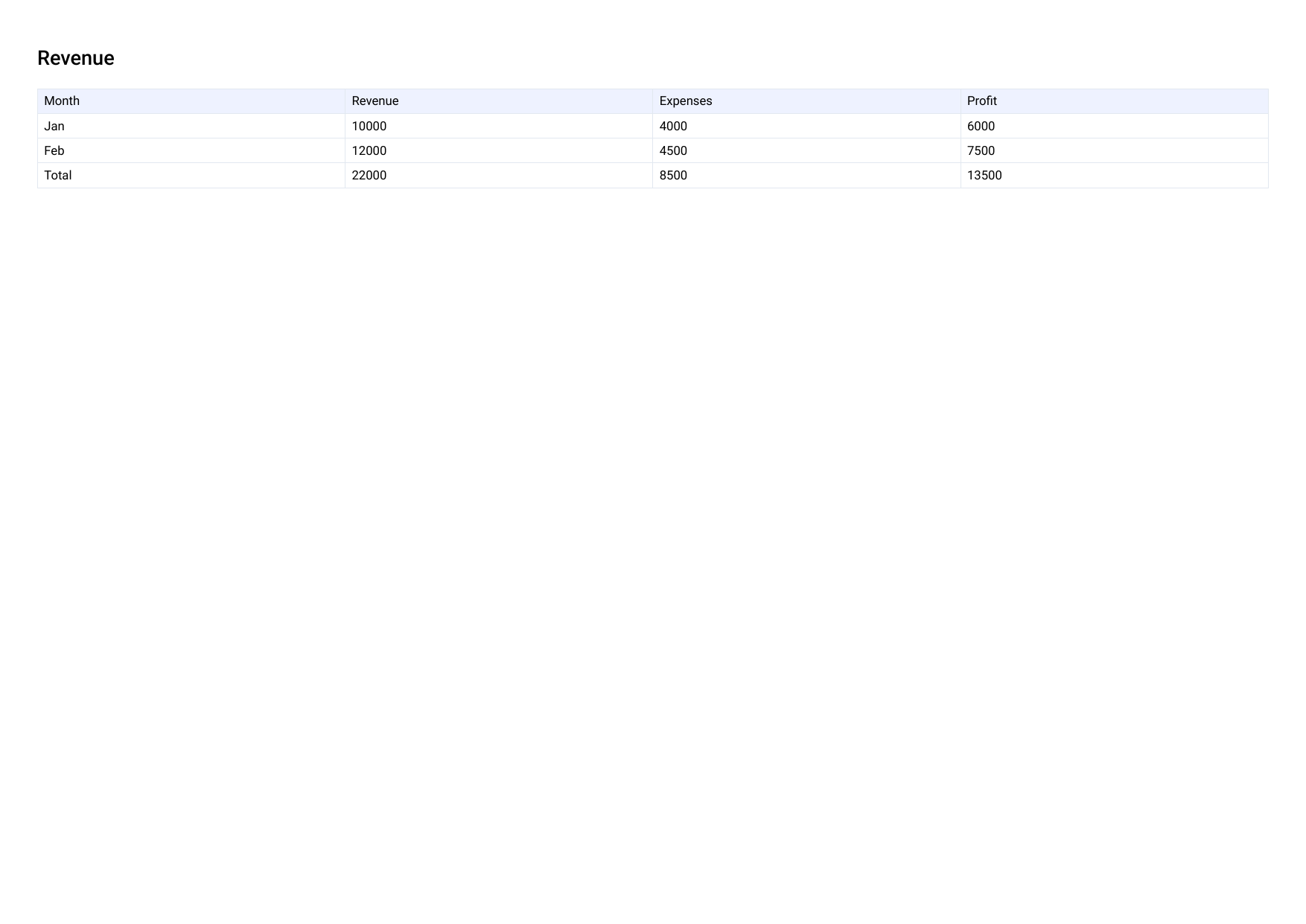
Click "Convert to PDF." Each sheet becomes its own page, named as a heading.
Why nothing gets uploaded
Most tools
Send your spreadsheet to a server to render it, then send back a PDF.
PDFLite
Reads the workbook's data directly in the browser (SheetJS), builds the PDF locally. Matters for budgets, invoices, payroll, financial models.
What to expect, honestly
Converts your sheets' data and structure into clean PDF tables.
✓ Carries over
Column headers, row values, each sheet as its own section, formulas' last-saved calculated values.
✕ Doesn't carry over
Charts, embedded images, cell colors, Excel's exact print layout.
A data export or quick reference copy holds up well; check a professionally designed report before presenting it as-is.
Free plan limits
3/day
Conversions, free plan
15 pages
Per resulting PDF, free plan
Larger workbooks or daily use? Premium removes both limits — $5/month.
Who this is for
Anyone who tracks something in a spreadsheet but needs to send a clean, read-only copy — a budget for a client, an inventory list, a set of calculations for a report — without uploading the working spreadsheet to another website first.