Most online PDF mergers upload your file to a server before doing anything with it. Client financials shouldn't sit on infrastructure you don't control — PDFLite merges entirely in your browser instead.
Why the upload step is the problem
A typical online merger
Sends the file to a third-party server before merging — a copy of your client's numbers now exists somewhere outside your firm's control.
Why it matters here
Account numbers, SSNs on W-2s, payroll — explaining a free tool's data policy to a client after the fact is a conversation worth avoiding.
What accountants actually merge with this
Invoices
Monthly batch
Statements
Bank & card
Tax docs
W-2s, 1099s
Client packets
Year-end reports
How PDFLite keeps files local
Runs the merge with a JavaScript library (pdf-lib) inside your browser tab. Your browser reads the file's bytes directly off your device's disk, restructures the pages in memory, and hands you back a file to download.
There's no server call at any point — free plan or Premium — so there's no third party holding account numbers or tax IDs, even briefly.
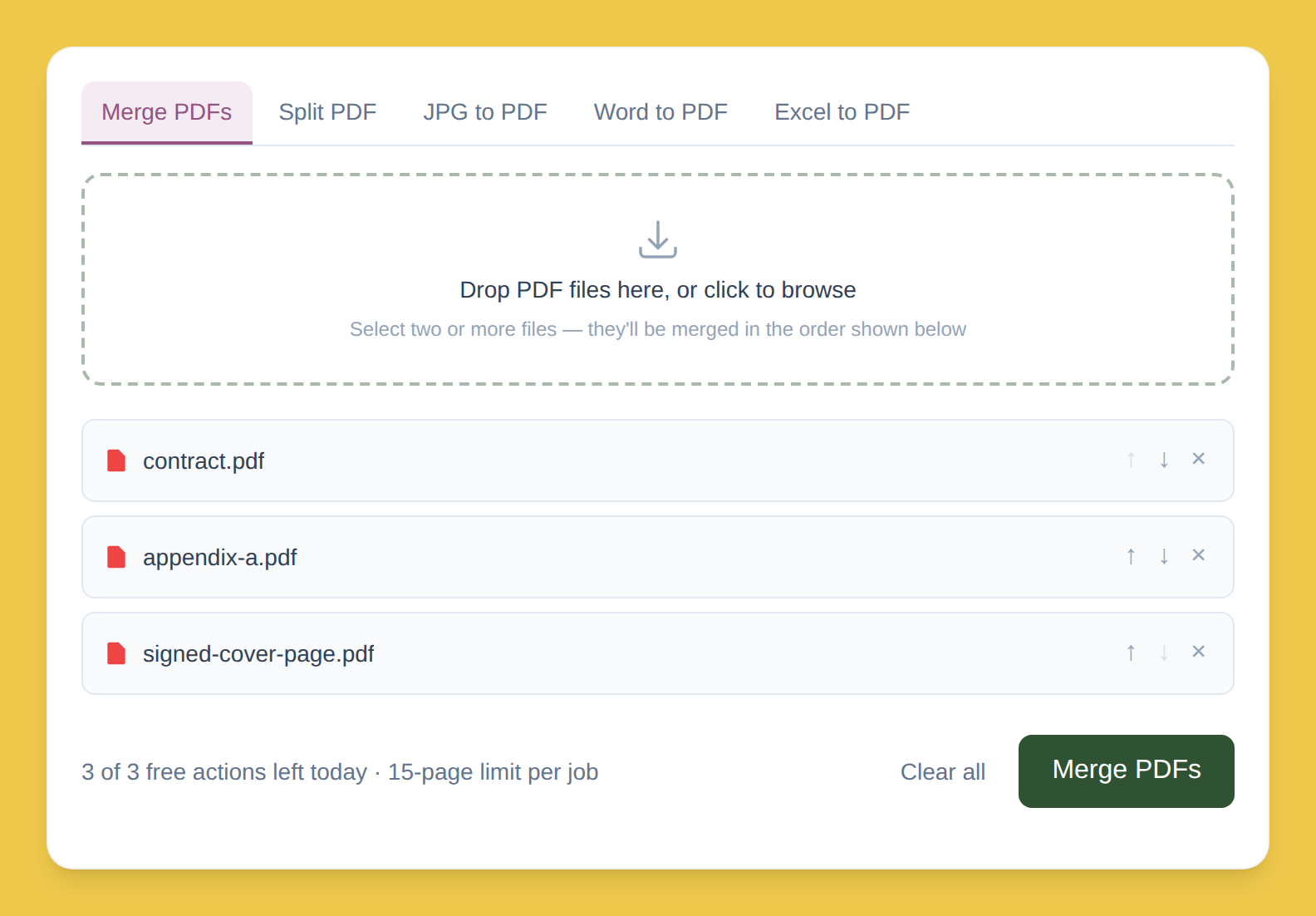
Step by step
Drop your PDFs into the box. Read straight off your device, not sent anywhere.
Order them with ↑ / ↓. Build the client packet in the order you need.
Click Merge, then download. Built in your browser's memory — never anywhere else.
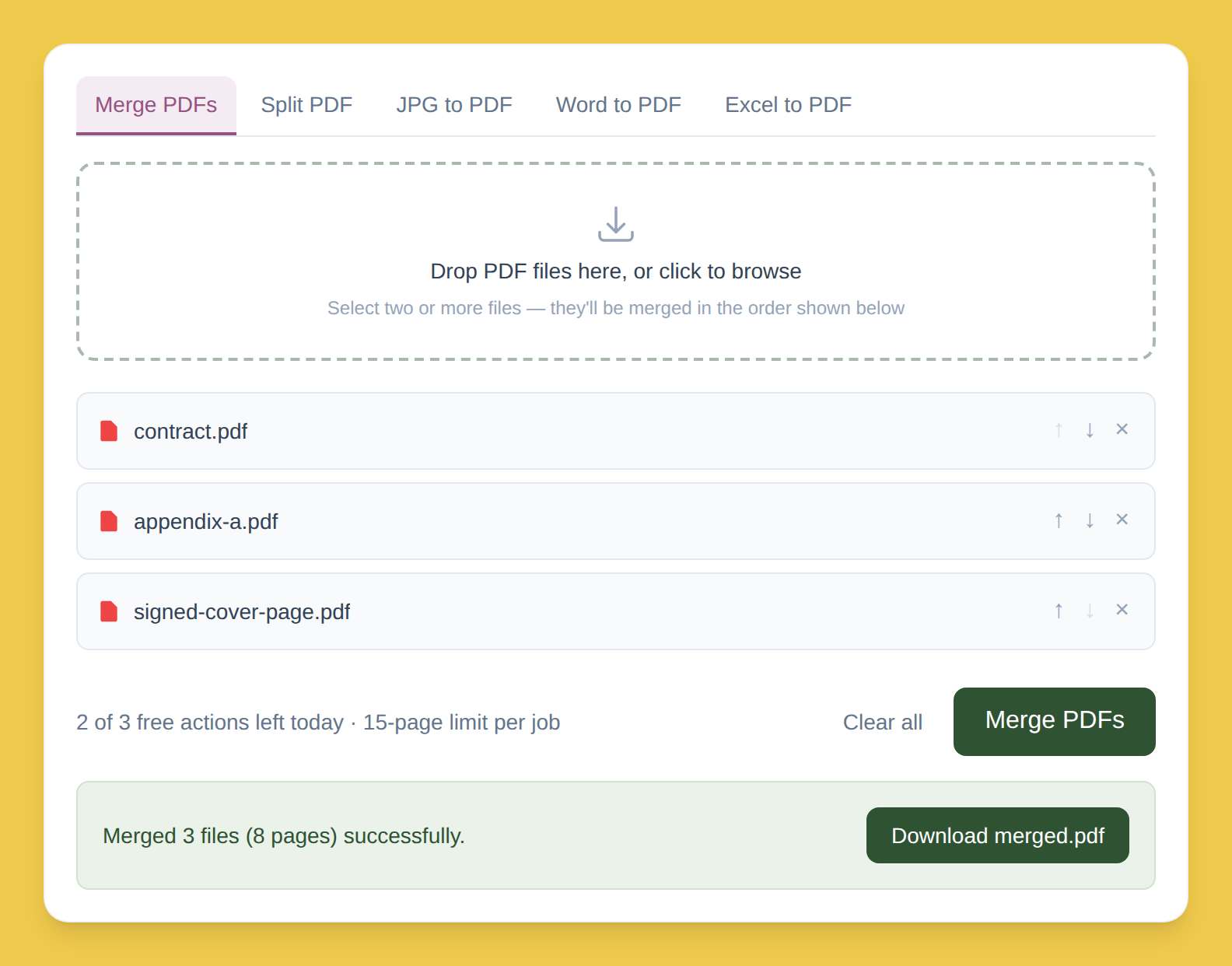
Free plan limits
3/day
Merge or split actions
15 pages
Cap per job
Busy season or bigger packets? Premium removes both limits — $5/month, same no-upload behavior either way.