Most online PDF mergers upload your file to a server before doing anything with it. Privileged or work-product material shouldn't touch a server you don't control — PDFLite merges entirely in your browser instead.
Why the upload step is the problem
A typical online merger
Sends your exhibit or discovery file to a third-party server before merging it — a third party now has a copy, even if briefly.
Why it matters here
Model Rule 1.6 duty of confidentiality doesn't pause for a "we delete it after an hour" policy on a vendor's server you've never vetted.
What lawyers actually merge with this
Exhibits
Into one bundle
Discovery
Production sets
Case files
Client records
Filings
Multi-part briefs
How PDFLite keeps files local
Runs the merge with a JavaScript library (pdf-lib) inside your browser tab. Your browser reads the file's bytes directly off your device's disk, restructures the pages in memory, and hands you back a file to download.
There's no server call at any point — free plan or Premium — so there's nothing to subpoena, breach, or accidentally log on a third party's infrastructure. It also works offline once the page has loaded.
Step by step
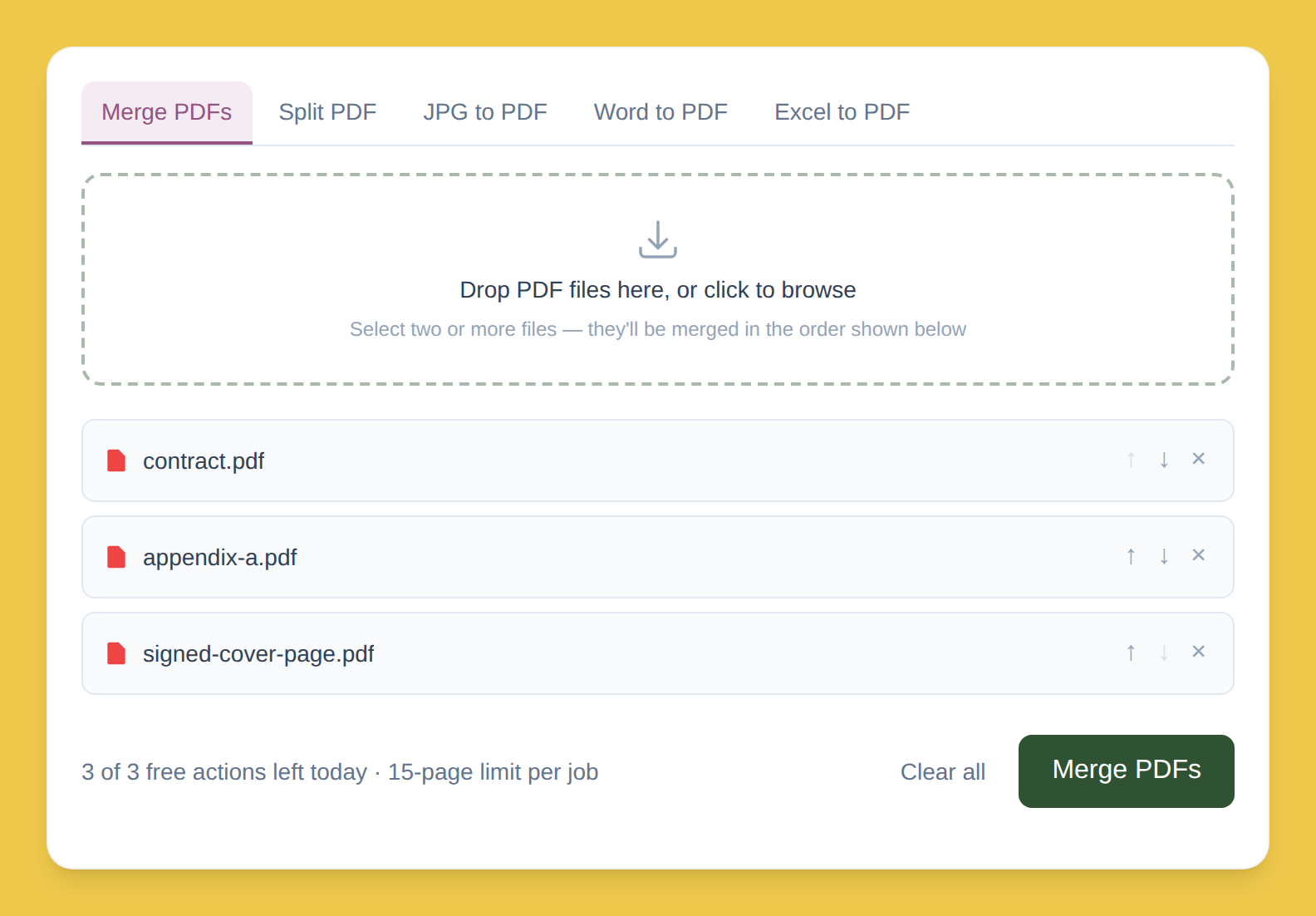
Drop your PDFs into the box. Read straight off your device, not sent anywhere.
Order them with ↑ / ↓. Match the exhibit numbering or production order you need.
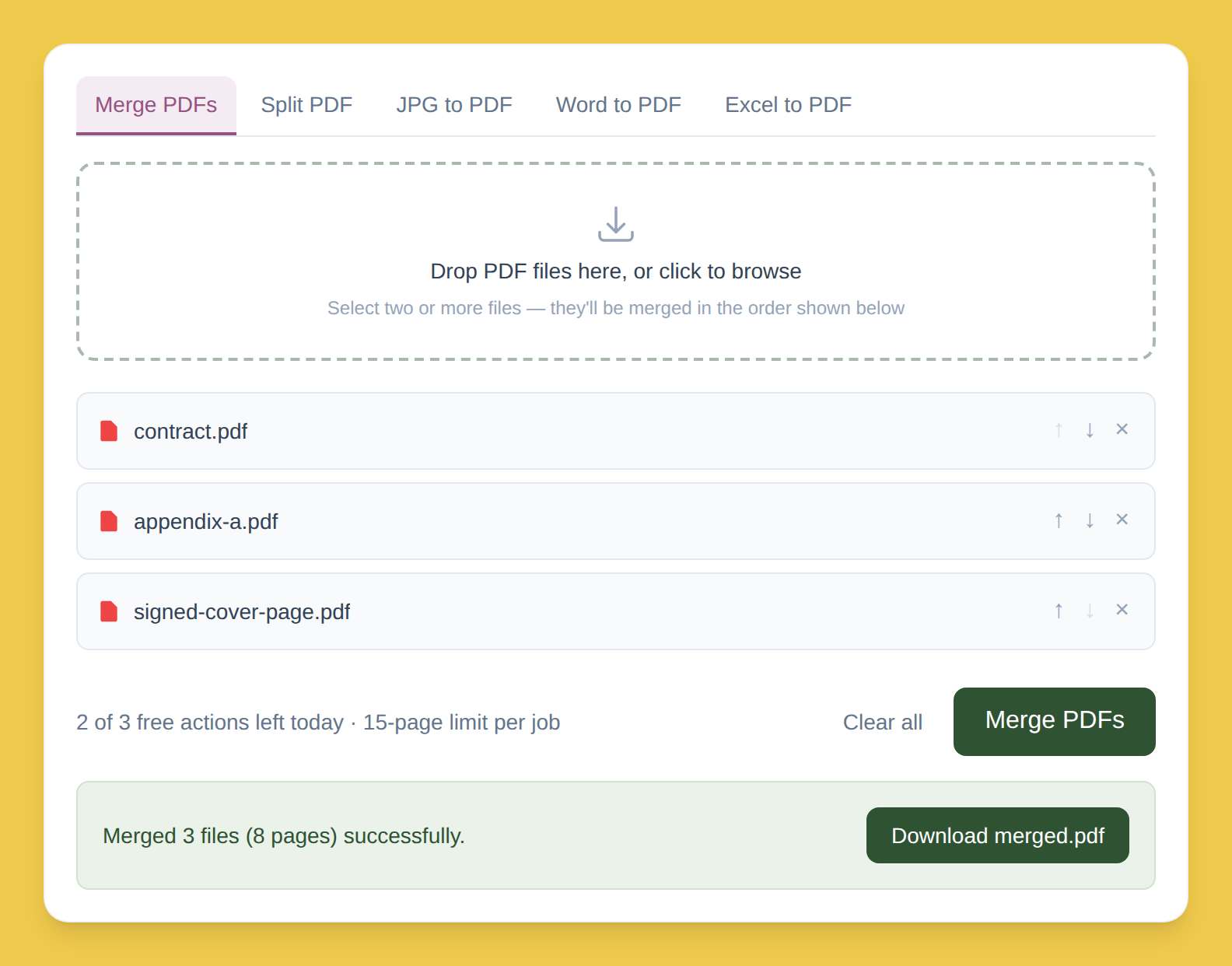
Click Merge, then download. Built in your browser's memory — never anywhere else.
Free plan limits
3/day
Merge or split actions
15 pages
Cap per job
Bigger production sets or daily filings? Premium removes both limits — $5/month, same no-upload behavior either way.
This page describes how the tool works technically; it isn't legal advice on your firm's confidentiality obligations or e-discovery protocols, which vary by jurisdiction and matter.