Drop in a .docx file, download a PDF. No upload, no account, no watermark — converts headings, bold/italic, lists, tables, and images.
Step by step
Drop your .docx file into the box. Modern Word format only — older .doc isn't supported.
Pick a page size — A4 or US Letter.
Click "Convert to PDF." Real, selectable text — not a screenshot.
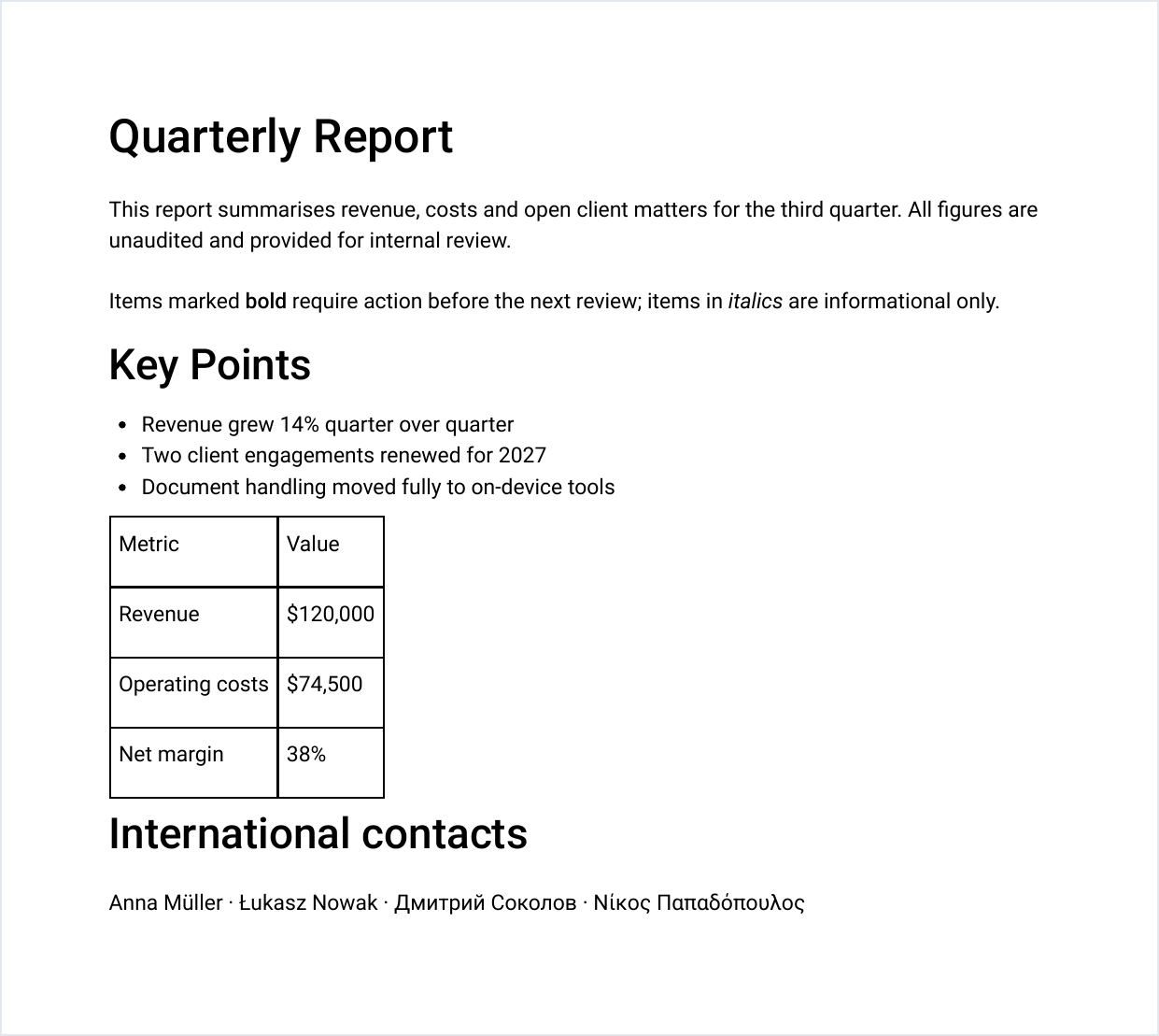
Why nothing gets uploaded
Most tools
Send your .docx to a server — sometimes running actual Word or LibreOffice — then send back a PDF.
PDFLite
Reads your document's XML in the browser (mammoth.js), rebuilds it as PDF (pdfmake) — never transmitted. Matters for contracts, HR documents.
What to expect, honestly
A genuine trade-off: this runs in your browser, not inside actual Word — so structure carries over, pixel-for-pixel layout doesn't.
✓ Carries over
Headings, paragraphs, bold/italic, bullet & numbered lists, tables, images.
✕ Doesn't carry over
Custom headers/footers, footnotes, exact fonts, complex nested layouts.
Straightforward documents (reports, letters, notes) hold up well; check a heavily designed document before sending it on.
Free plan limits
3/day
Conversions, free plan
15 pages
Per resulting PDF, free plan
Longer documents or daily use? Premium removes both limits — $5/month.
Who this is for
Anyone who drafts in Word but needs to send a PDF — a cover letter, a signed agreement draft, a report for a client — without uploading the source document to yet another website first.