Drop your files in, reorder them, click merge, download. No account, no install, nothing ever uploaded — the whole thing runs in this browser tab.
Step by step
Gather the files. Email attachments, scans, exported reports — anything that's a PDF.
Drop them into the box above. Select several at once; they'll list below it.
Reorder with ↑ / ↓. No re-selecting files if you get it wrong.
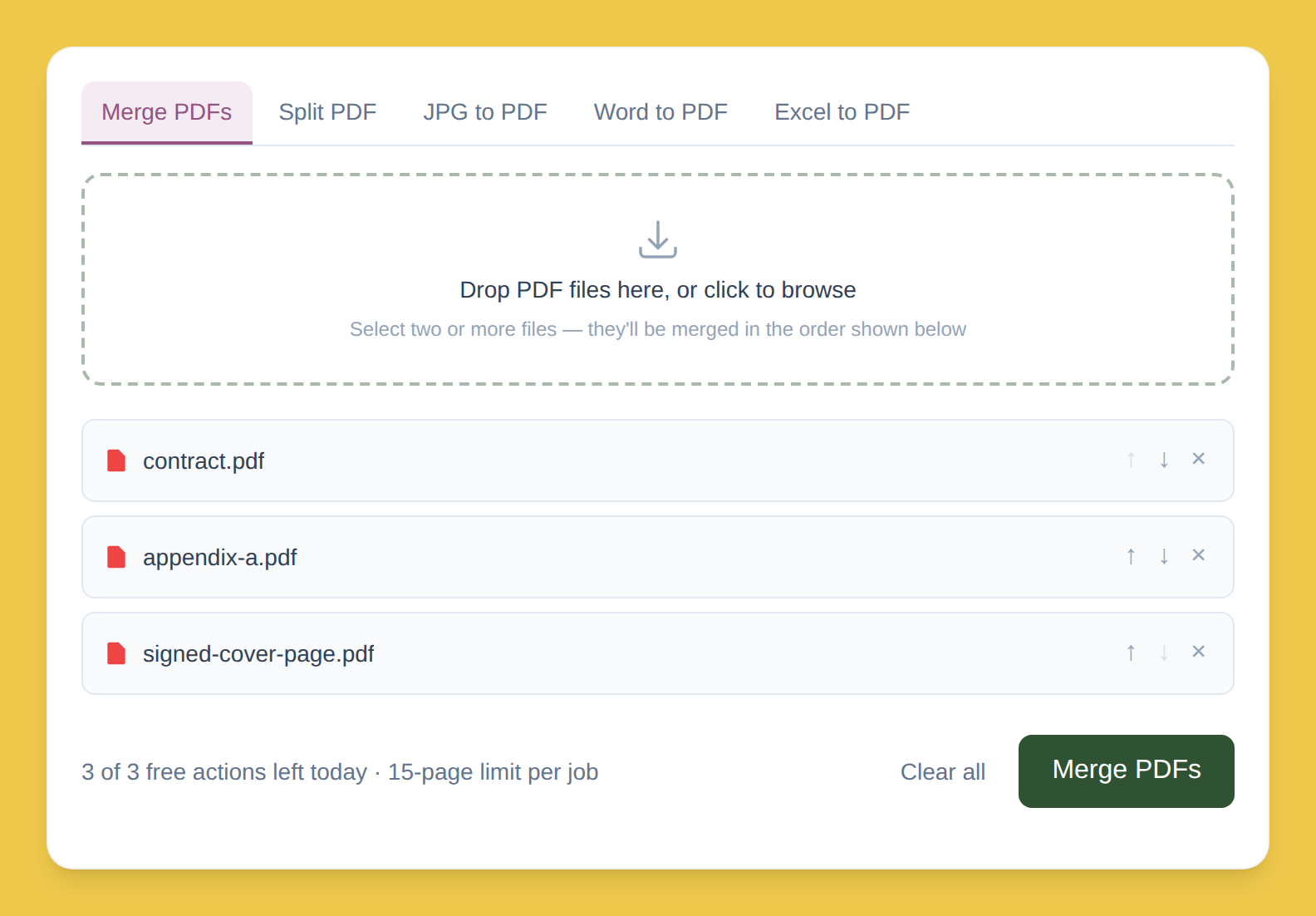
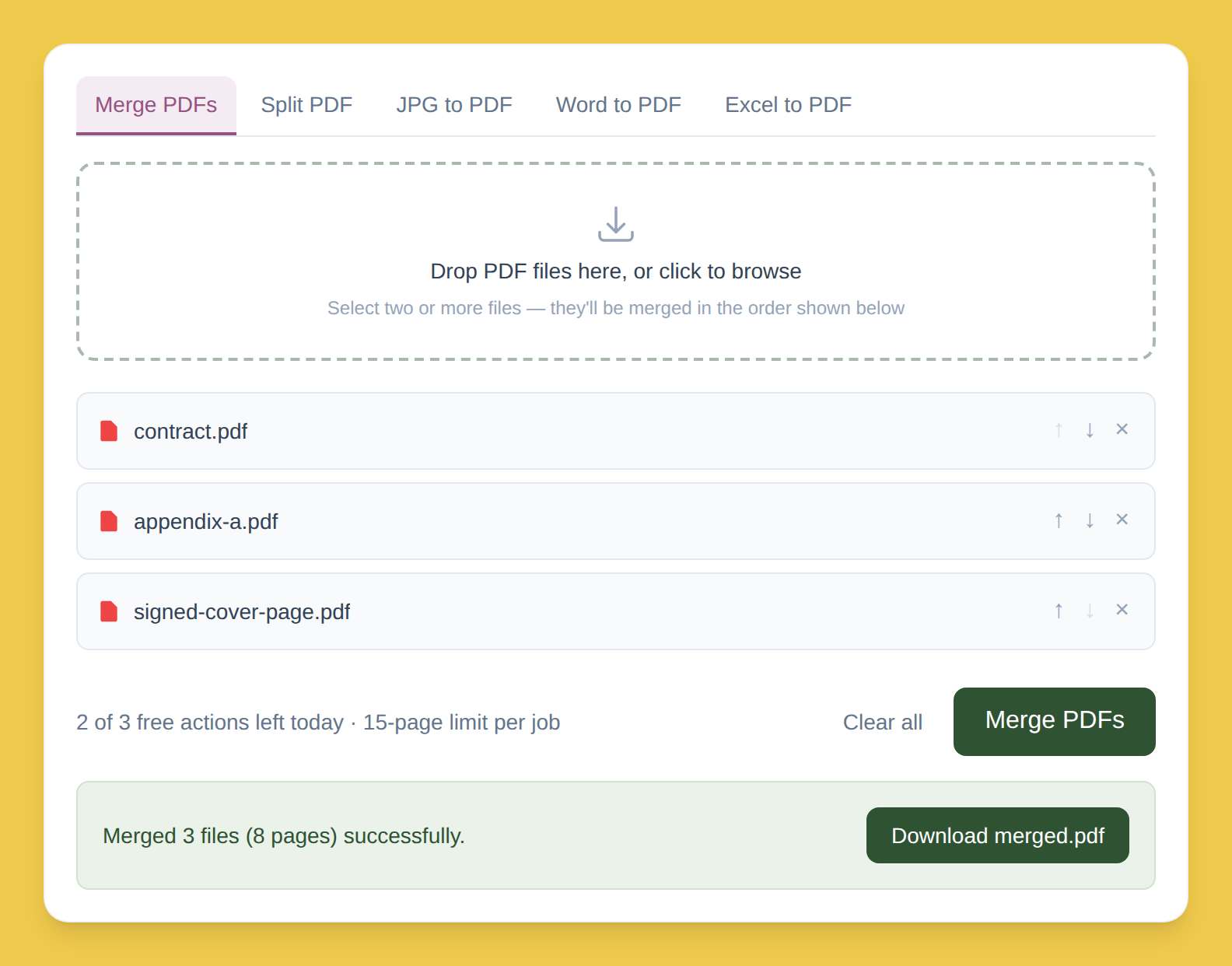
Click "Merge PDFs." Combines every file into one document.
Download the result. merged.pdf downloads immediately.
Works on any OS
Chrome, Safari, Firefox, Edge — same steps everywhere. Nothing to install.
Why nothing gets uploaded
Most tools
Upload your file to a server, merge it there, send it back. Your document sits — even briefly — on a computer you don't control.
PDFLite
Runs the entire merge inside your browser tab. Files never leave your device — matters for contracts, medical records, financial statements.
Free plan limits
3/day
Merge or split actions, free
15 pages
Cap per job, free plan
Need more? Premium removes both limits — $5/month.